
Contents
- 1 Avoid Spam Folders and Improve Email Deliverability
- 1.1 Stop Important Emails from Landing in Spam
- 1.2 Stay Off Email Blacklists
- 1.3 Track Every Email You Send
- 1.4 Test Emails Before Sending
Avoid Spam Folders and Improve Email Deliverability
Stop Important Emails from Landing in Spam
Sending an email and realizing it never hits the inbox is still one of the most annoying problems in email marketing and system emails.
It does not matter if it is contact form alerts, invoices, password resets, booking confirmations, newsletters, or transactional messages — bad delivery silently kills trust and revenue.
A proper SMTP delivery setup fixes this by making sure emails actually get delivered instead of disappearing into spam filters or nowhere at all.
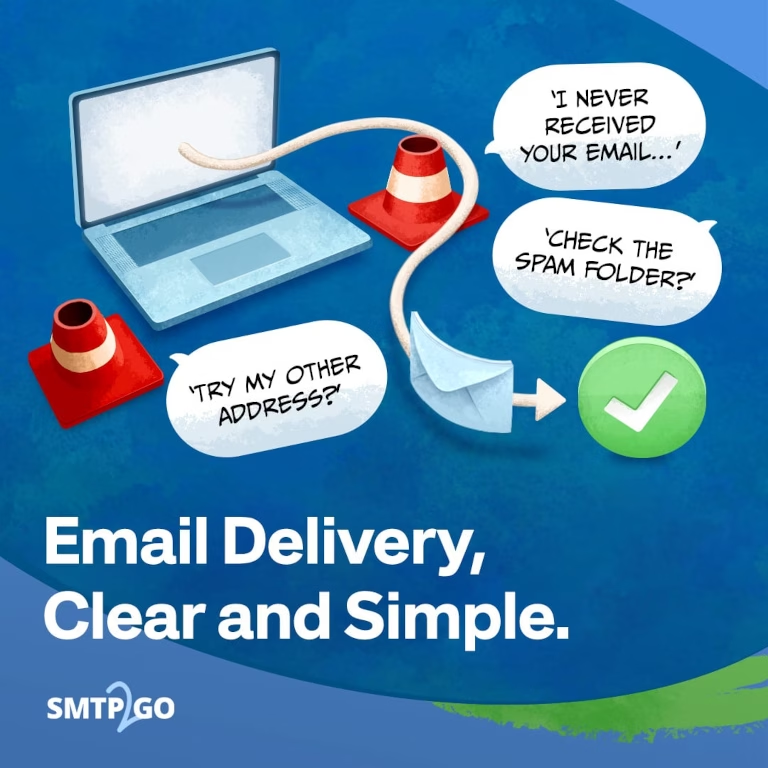
Why Emails End Up in Spam Folders
Email providers like Gmail, Outlook, Yahoo, and corporate filters run aggressive detection systems to block unwanted mail.
Most emails land in spam because of:
— Missing SPF records
— Missing DKIM authentication
— Weak or damaged sender reputation
— Blacklisted IPs
— Shared hosting email servers
— High bounce rates
— Inconsistent sending behavior
— Misconfigured email setup
Even legitimate businesses get hit by this when relying on default hosting email.
How to Avoid Spam Folders
Use Professional SMTP Delivery
A dedicated SMTP system is built for one job: getting emails delivered properly.
Instead of relying on basic hosting mail, your messages go through a structured delivery network designed for performance and reputation.
What you get:
— Higher inbox placement
— Stronger sender reputation
— More stable delivery
— Faster email sending
— Lower bounce rates
— Clear delivery tracking
Authenticate Every Email
Email authentication is not optional anymore. It is the baseline for inbox delivery.
Modern SMTP systems handle this automatically:
SPF Records
SPF tells receiving servers which systems are allowed to send emails for your domain.
DKIM Signatures
DKIM adds a cryptographic signature so email providers can verify the message was not tampered with.
DMARC Protection
DMARC connects SPF and DKIM together and adds reporting so you can see what is failing and why.
When all three are aligned, inbox providers trust your domain far more.
Stay Off Email Blacklists
Once you end up on a blacklist, deliverability drops fast and recovery is slow.
Good SMTP providers continuously monitor:
— Sender reputation
— Spam complaints
— Bounce activity
— Abuse signals
— IP health status
Issues get flagged early, before they damage your domain reputation.
Track Every Email You Send
If you cannot see what happens after sending, you are guessing.
Modern delivery systems give full visibility.
Real-Time Tracking
You can see exactly what happens per email:
— Delivered emails
— Bounced emails
— Deferred messages
— Spam complaints
— Unsubscribes
— Opens
— Clicks
This makes debugging delivery problems straightforward instead of random guessing.
Test Emails Before Sending
A lot of spam issues start before the email even leaves your system.
Testing tools help catch problems early:
— Spam score checks
— Authentication validation
— Email formatting review
— Inbox placement testing
— Cross-client preview
Fixing issues before sending is cheaper than fixing reputation damage later.
Reliable Email Delivery Infrastructure
Email should not break just because a server goes down.
Professional SMTP networks are built with redundancy:
— Multiple data centers
— Failover systems
— High availability design
— Backup routing
Even during outages, emails still go out instead of failing silently.
Avoid ISP and Hosting Restrictions
Shared hosting email is where deliverability usually starts to fall apart.
Common limits include:
— Daily sending caps
— Hourly throttling
— Connection limits
— Reputation-based blocking
A proper SMTP setup removes these limits so you can scale without hitting artificial walls.
Send Any Type of Email
A single SMTP system should handle everything:
Transactional Emails
— Password resets
— Account notifications
— Order confirmations
— Receipts
— Invoices
Business Emails
— Outlook or app-based sending
— Internal communication
— Support replies
Marketing Emails
— Newsletters
— Promotions
— Customer updates
— Automated campaigns
One system, consistent delivery behavior.
Benefits of a Dedicated SMTP Service
— Avoid spam folders
— Better inbox placement
— Automatic SPF and DKIM setup
— Reduced blacklist risk
— Full reputation monitoring
— Complete email tracking
— Lower bounce rates
— Global delivery reliability
— Detailed reporting
— 24/7 support access
Frequently Asked Questions
Why do emails go to spam instead of inbox?
Usually it is broken authentication, weak sender reputation, blacklisted IPs, or hosting-level restrictions.
Can SMTP actually stop spam folder issues?
Yes, if it is configured properly. It improves authentication, reputation, and delivery consistency.
Do SPF and DKIM matter equally?
Yes. Modern providers expect SPF, DKIM, and DMARC working together, not separately.
Can I track delivery status?
Yes. Proper SMTP systems show delivery, bounces, complaints, and engagement data.
Improve Email Deliverability Today
If your emails are landing in spam, getting delayed, or disappearing, your current setup is the problem.
Fixing it means using proper SMTP delivery, authenticating your domain correctly, and monitoring reputation continuously.
Do that, and inbox placement becomes predictable instead of random.